 Scoop
ScoopSzövegek, terméklisták és képek kinyerése weboldalakról, QR kód generátor, link rövidítő, mindez INGYEN, a saját gépeden.
Extract text, product lists and images from web pages, QR code generator, link shortener — all of it FREE, on your own machine.
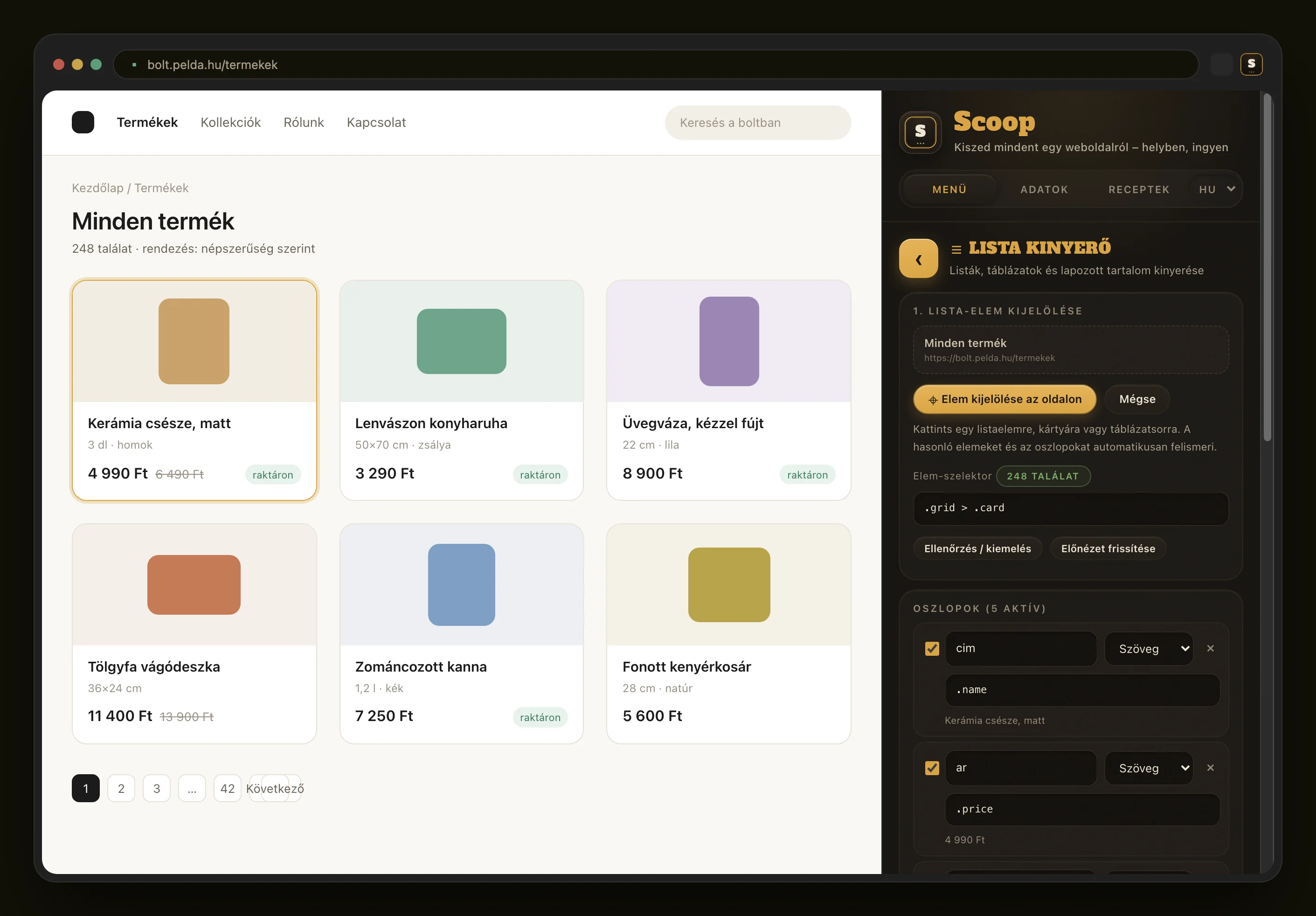
Rákattintasz egy termékre, a többit kitalálja: a hasonló elemeket, az oszlopokat, a lapozást. Táblázatot kapsz. Tizenkét eszköz, és mind a böngésződben fut.
Click one product and it works out the rest: the similar items, the columns, the pagination. You get a spreadsheet. Twelve tools, all running inside your browser.
Telepítés a Chrome Web Store-bólInstall from the Chrome Web StoreIngyenes, fiók és bankkártya nélkül.
Free, with no account and no card.
Amit kiszedsz egy oldalról, az a te gépeden marad. Nincs szerver, ami eltárolná, és nincs fiók, amit fel lehetne törni.
Whatever you pull off a page stays on your machine. There is no server keeping it, and no account for anyone to break into.
Miért jó ez neked
Why this helps
Négy dolog, ami miatt gyorsabban végzel, mint eddig.
Four things that get you finished sooner than before.
Hogyan használd
How to use it
Három lépés az első kinyerésig.
Three steps to your first extraction.
Így néz ki munka közben
This is what it looks like
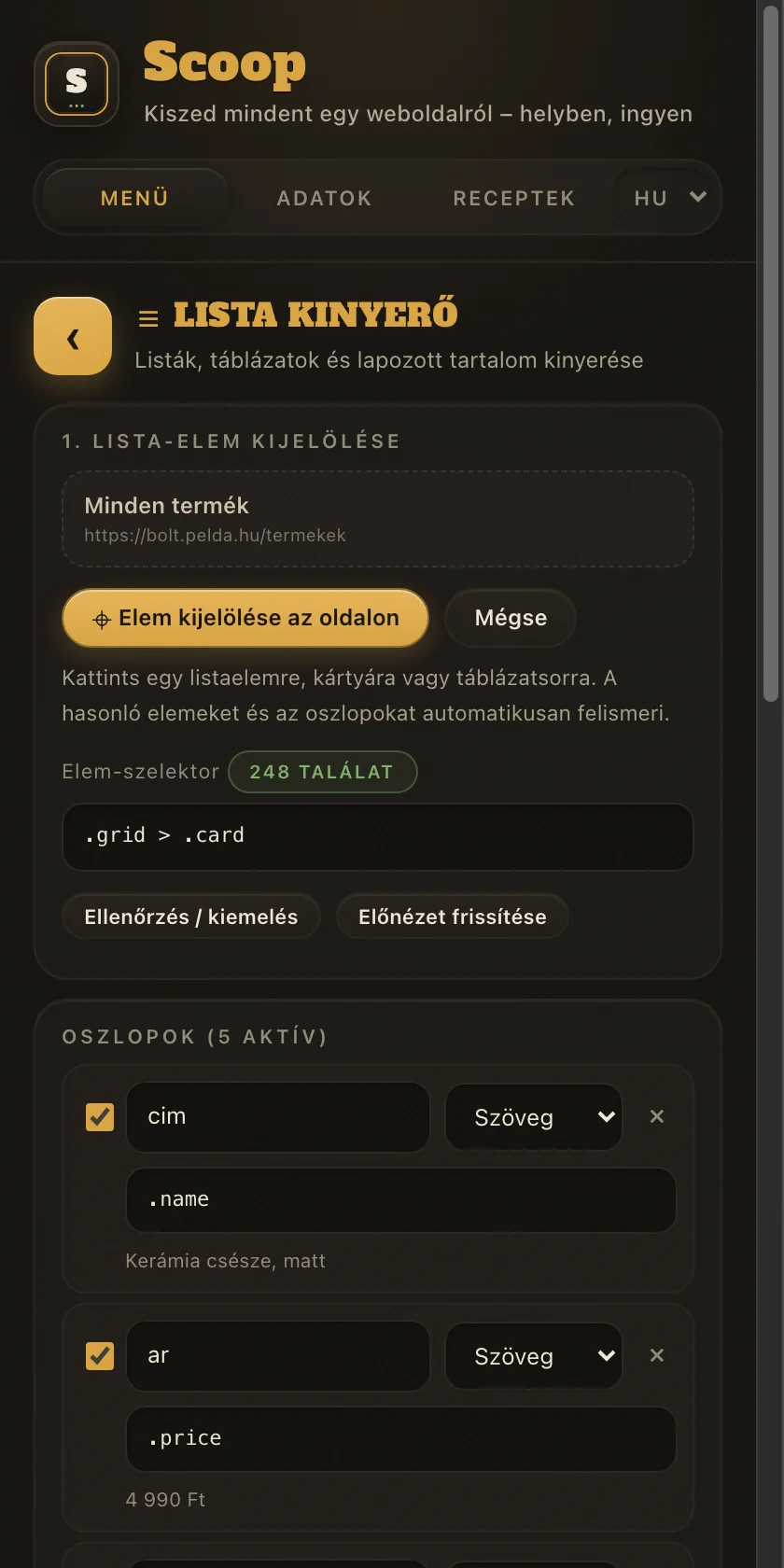
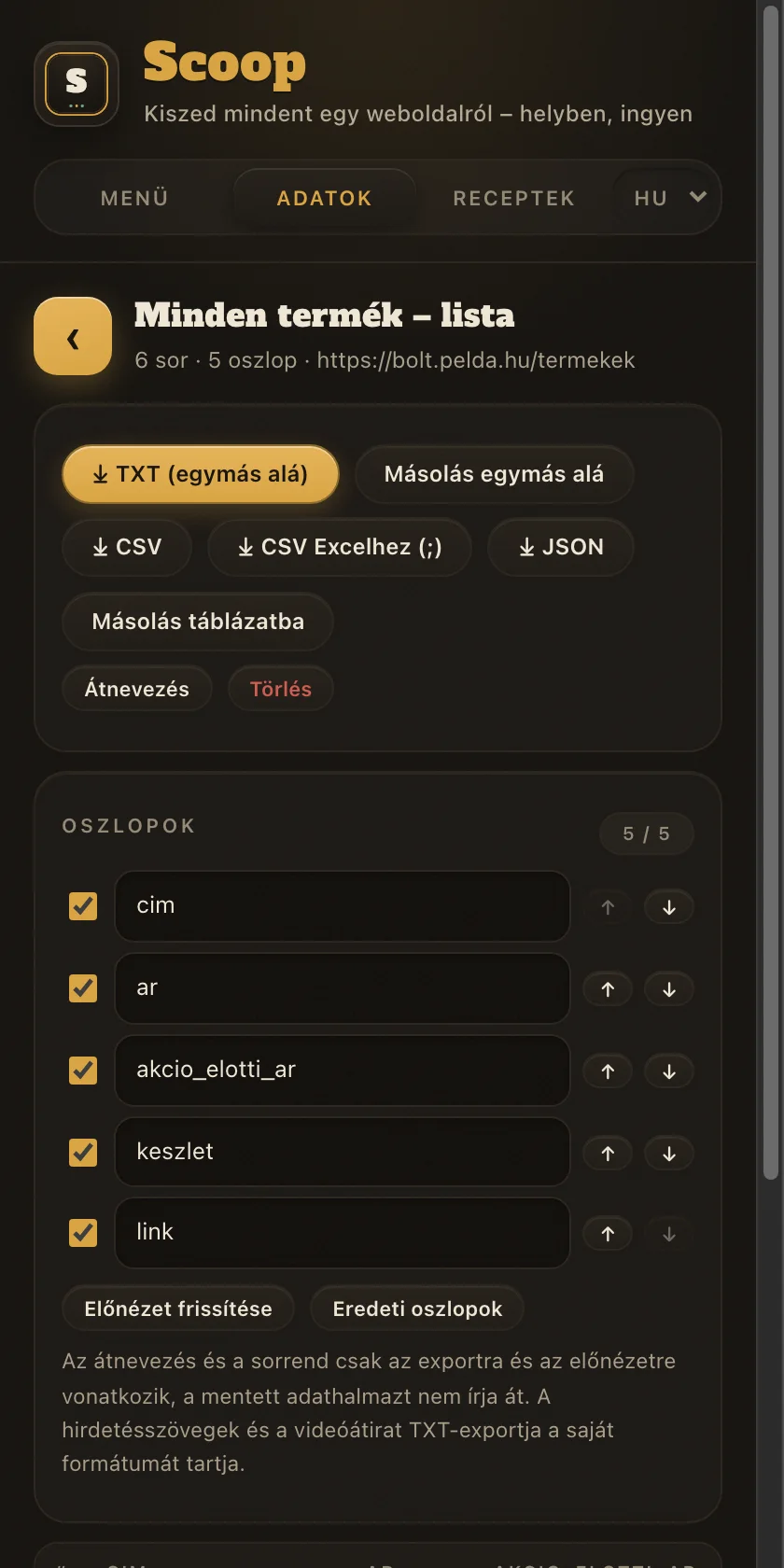
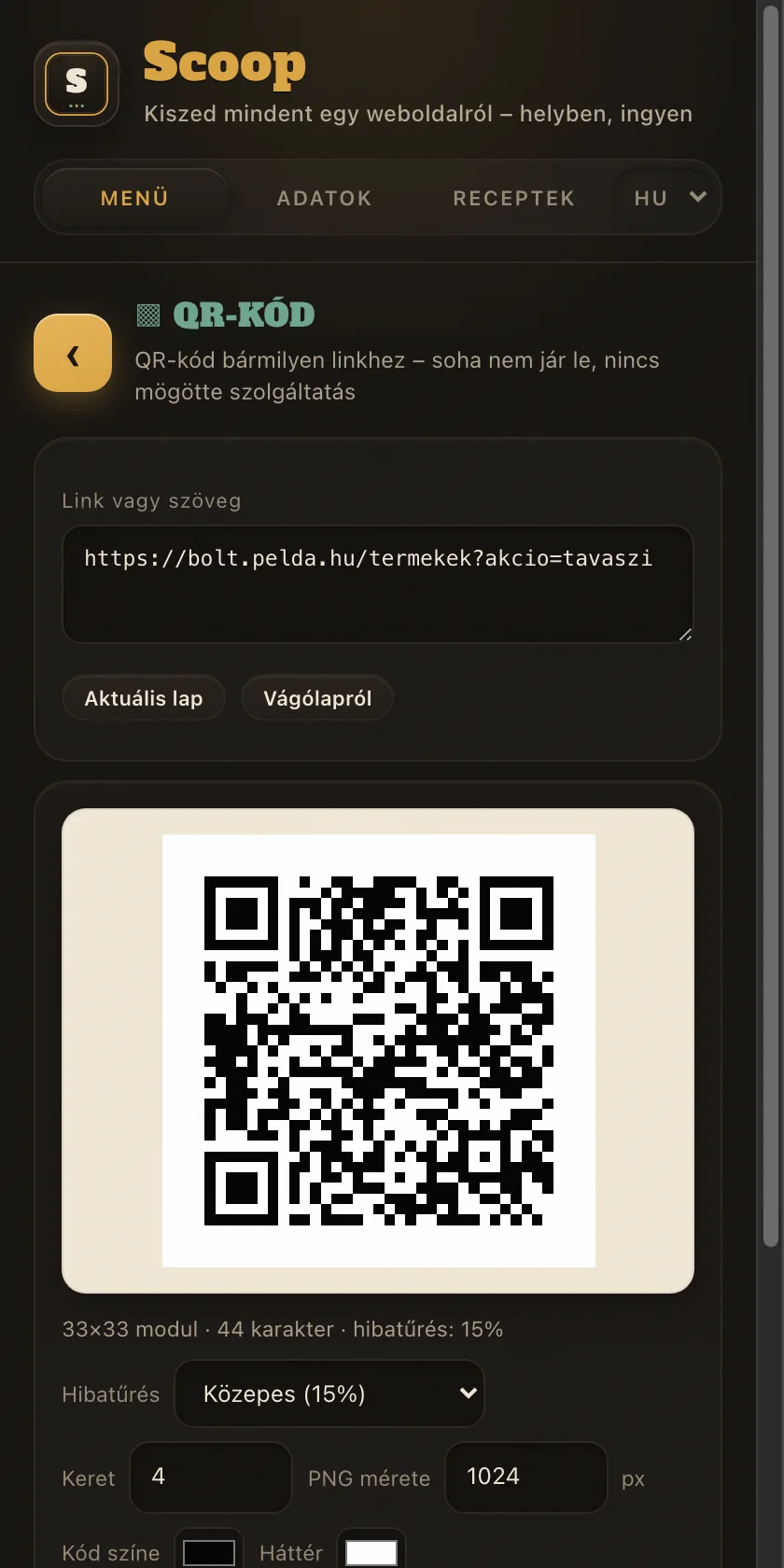
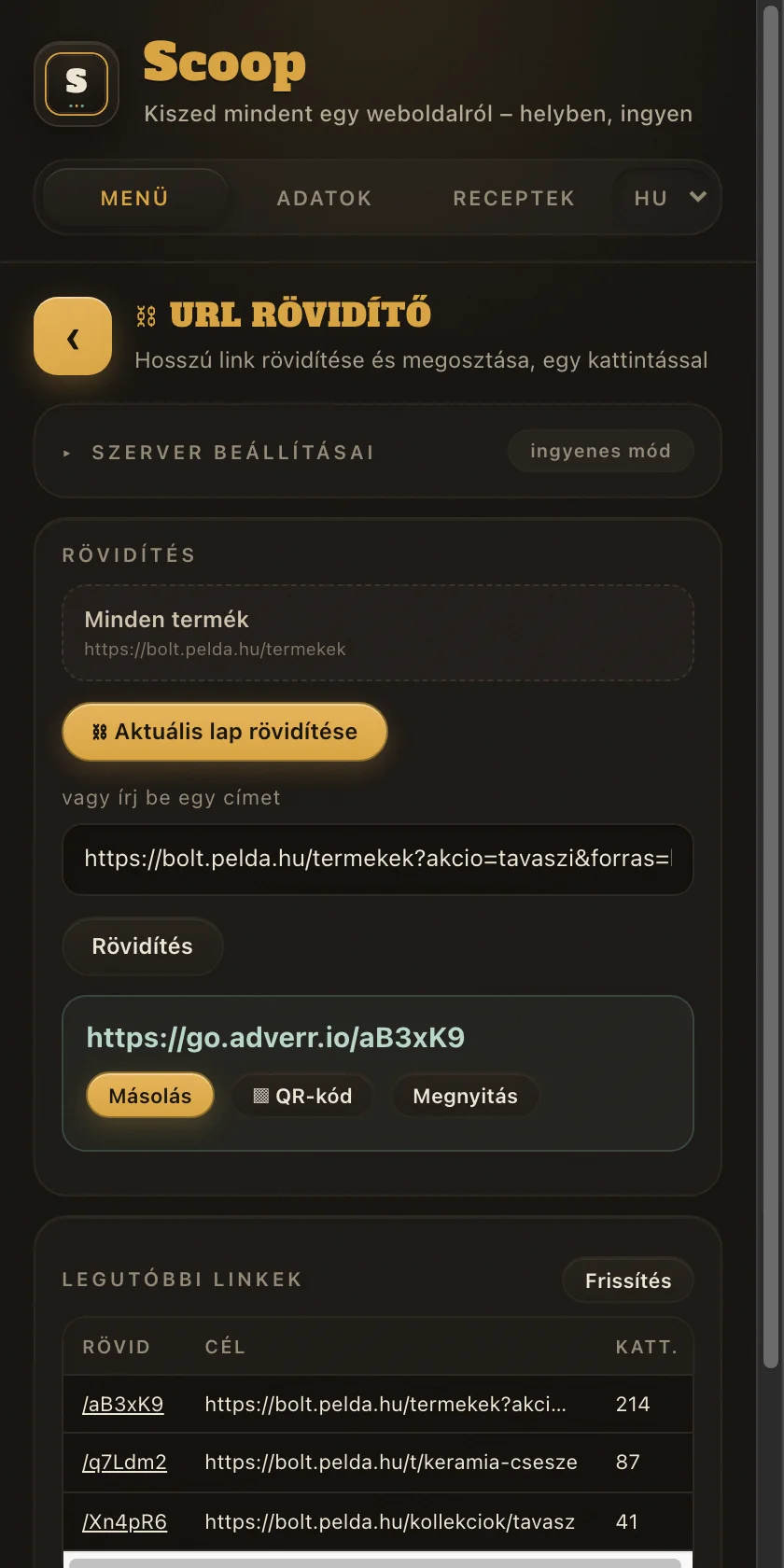
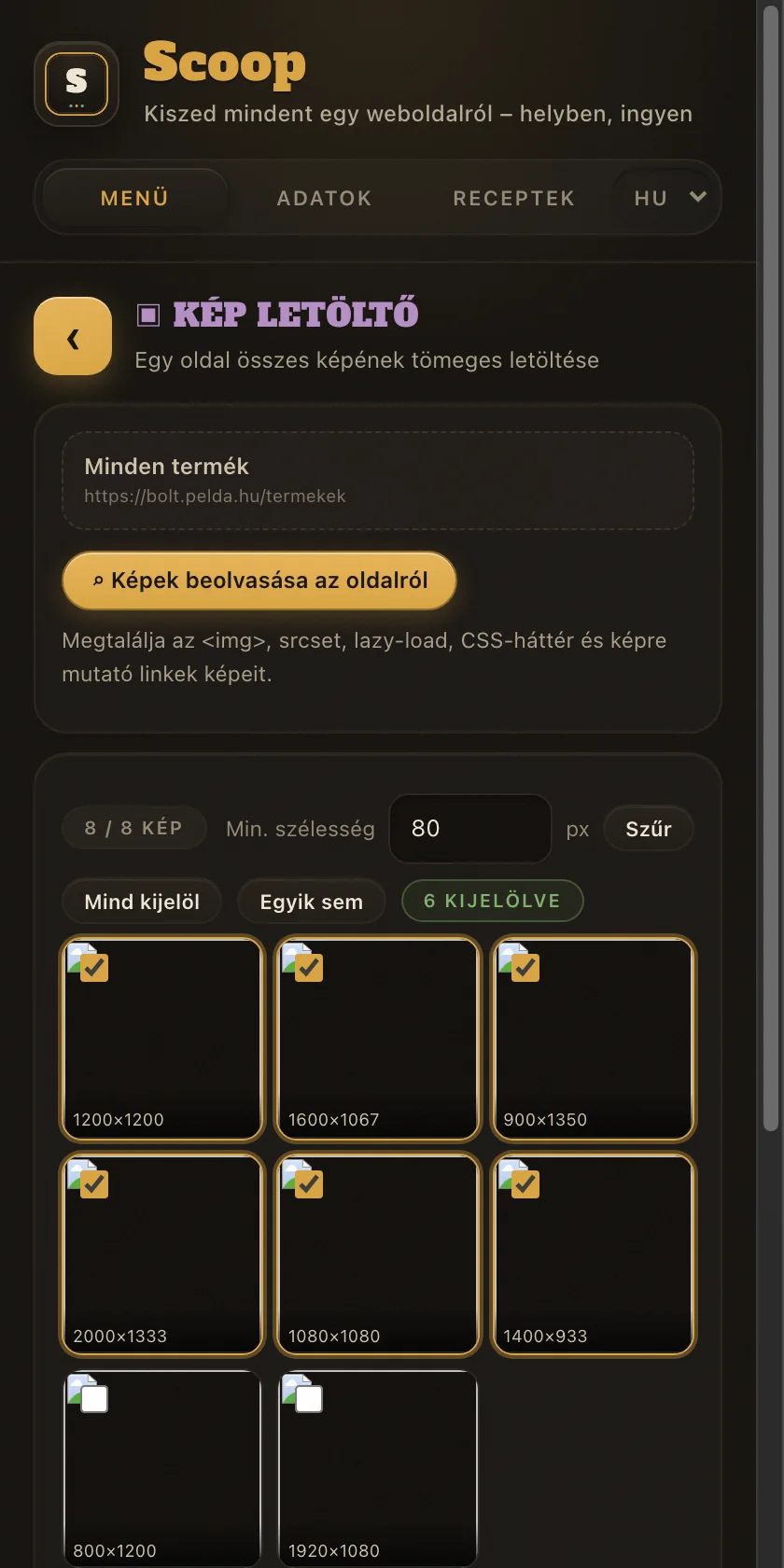
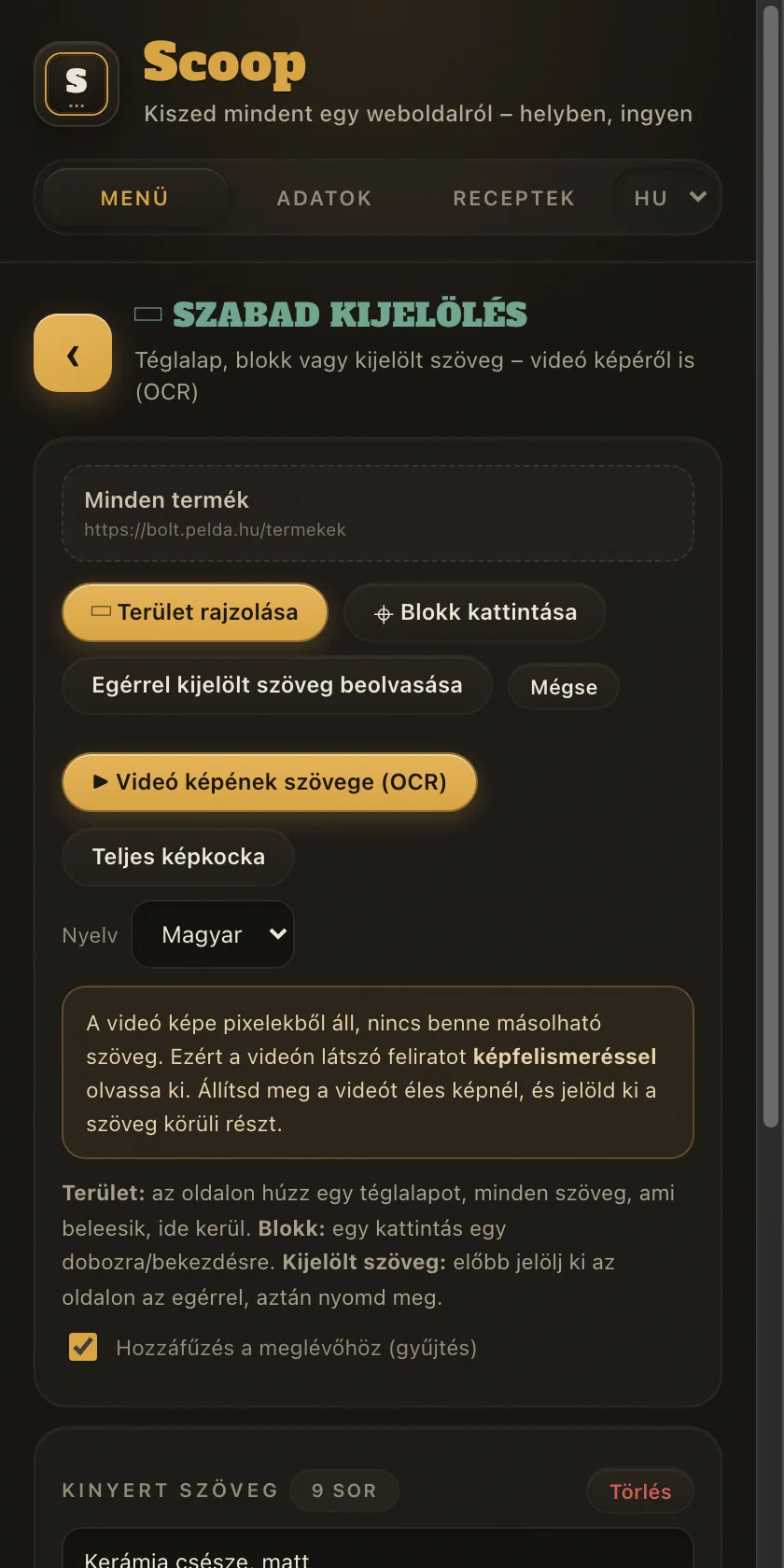
Hat képernyőkép a panelről, ahogy tényleg kinéz. Lapozz.
Six screenshots of the panel exactly as it looks. Page through them.
Mi van benne
What is inside
Tizenkét eszköz egy panelben, közvetlenül az oldal mellett.
Twelve tools in one panel, right beside the page.
Gyakori kérdések
Frequently asked questions
Amit a legtöbben megkérdeznek, mielőtt telepítik.
What most people ask before installing.
Mennyibe kerül?What does it cost?
Semmibe. Nincs fizetős csomag, nincs próbaidőszak és nincs bankkártya. A linkrövidítő közös ingyenes szolgáltatása napi 25 linket enged; ha ennél több kell, futtathatod a saját szervered.
Nothing. There is no paid plan, no trial period and no card. The shared free shortener allows 25 links a day; if you need more, you can run your own server.
Hova kerülnek a kinyert adatok?Where does the extracted data go?
A böngésződ saját tárhelyére, tehát a gépeden maradnak. Nincs felhő, nincs fiók, nincs bejelentkezés. A szövegfelismerés is a gépeden fut, a motor a bővítmény része.
Into your browser own storage, so it stays on your machine. No cloud, no account, no login. Text recognition also runs on your machine; the engine ships inside the extension.
Miért kér hozzáférést minden oldalhoz?Why does it ask for access to every site?
Mert előre nem tudható, melyik oldalról szeretnél adatot kinyerni, ezért nem lehet konkrét címekre szűkíteni. A hozzáférést csak akkor használja, amikor megnyomsz egy gombot a panelen. Háttérben nem figyel és nem gyűjt.
Because there is no way to know in advance which page you will want to extract from, so it cannot be narrowed to specific addresses. It only uses that access when you press a button in the panel. It does not watch or collect anything in the background.
Működik internet nélkül?Does it work offline?
A kinyerés, a QR-kód készítés és a videó képéből való szövegolvasás offline is megy. Kapcsolat csak ahhoz kell, amihez maguknak az oldalaknak is: több oldal bejárásához és a linkrövidítéshez.
Extraction, QR code generation and reading text from a video frame all work offline. You only need a connection for what the pages themselves need: crawling multiple pages, and link shortening.
Milyen nyelven jelenik meg?What language does it use?
A böngésződet követi: magyar böngészőnél magyarul, máshol angolul. A panel fejlécében kézzel is átkapcsolhatod. Az exportált táblázat fejléce is a beállított nyelven készül.
It follows your browser: Hungarian for Hungarian browsers, English everywhere else. You can also switch it by hand in the panel header. The exported spreadsheet headers follow the same setting.
Tényleg soha nem jár le a QR-kód?Does the QR code really never expire?
Igen. A link maga van belekódolva a képbe, nincs mögötte átirányító szolgáltatás, ami megszűnhetne vagy elkezdhetne pénzt kérni. Nyomtatva addig működik, amíg a célként megadott oldal létezik.
Yes. The link itself is encoded into the image; there is no redirect service behind it that could shut down or start charging. It keeps working in print for as long as the target page exists.
Mi történik a rövidített linkjeimmel?What happens to my shortened links?
A rövidítés az egyetlen funkció, ami szervert használ, mert enélkül nem lehetne átirányítani. A rövidítendő címet biztonsági ellenőrzésre elküldjük a Google-nek, hogy kártevős és adathalász linkek ne készülhessenek. A részletek az adatkezelési tájékoztatóban és a használati szabályban vannak.
Shortening is the only feature that uses a server, because a redirect could not work without one. The address to be shortened is sent to Google for a safety check, so malware and phishing links cannot be created. The details are in the privacy policy and the acceptable use page.
Nem működik valami. Mit tegyek?Something is not working. What should I do?
Először töltsd újra az oldalt és nyisd meg újra a panelt. A kinyerés nem futtatható a böngésző saját oldalain, például a chrome:// címeken és a Web Store-ban; ez a Chrome korlátja. Ha továbbra sem megy, a panel alján a Hibajelentés gombbal küldhetsz egy előre kitöltött levelet.
First reload the page and reopen the panel. Extraction cannot run on the browser own pages, such as chrome:// addresses and the Web Store; that is a Chrome restriction. If it still fails, use the Report a problem button at the bottom of the panel to send a prefilled email.
Töltsd le, és próbáld ki
Get it and try it
Két kattintás a telepítés, és az oldalsáv ott van a következő oldalon, amit megnyitsz.
Two clicks to install, and the side panel is there on the next page you open.
Telepítés a Chrome Web Store-bólInstall from the Chrome Web StoreInkább írnál? Prefer to write? info@adverr.hu
Ingyenes, fiók és bankkártya nélkül.
Free, with no account and no card.